Internet Speed Test: Check Your Internet Connection with EgyApps
A fast and stable internet connection is important for almost everything we do online. From browsing websites and watching videos to playing online games, attending meetings, downloading files, and using social media, internet performance can directly affect your daily experience.
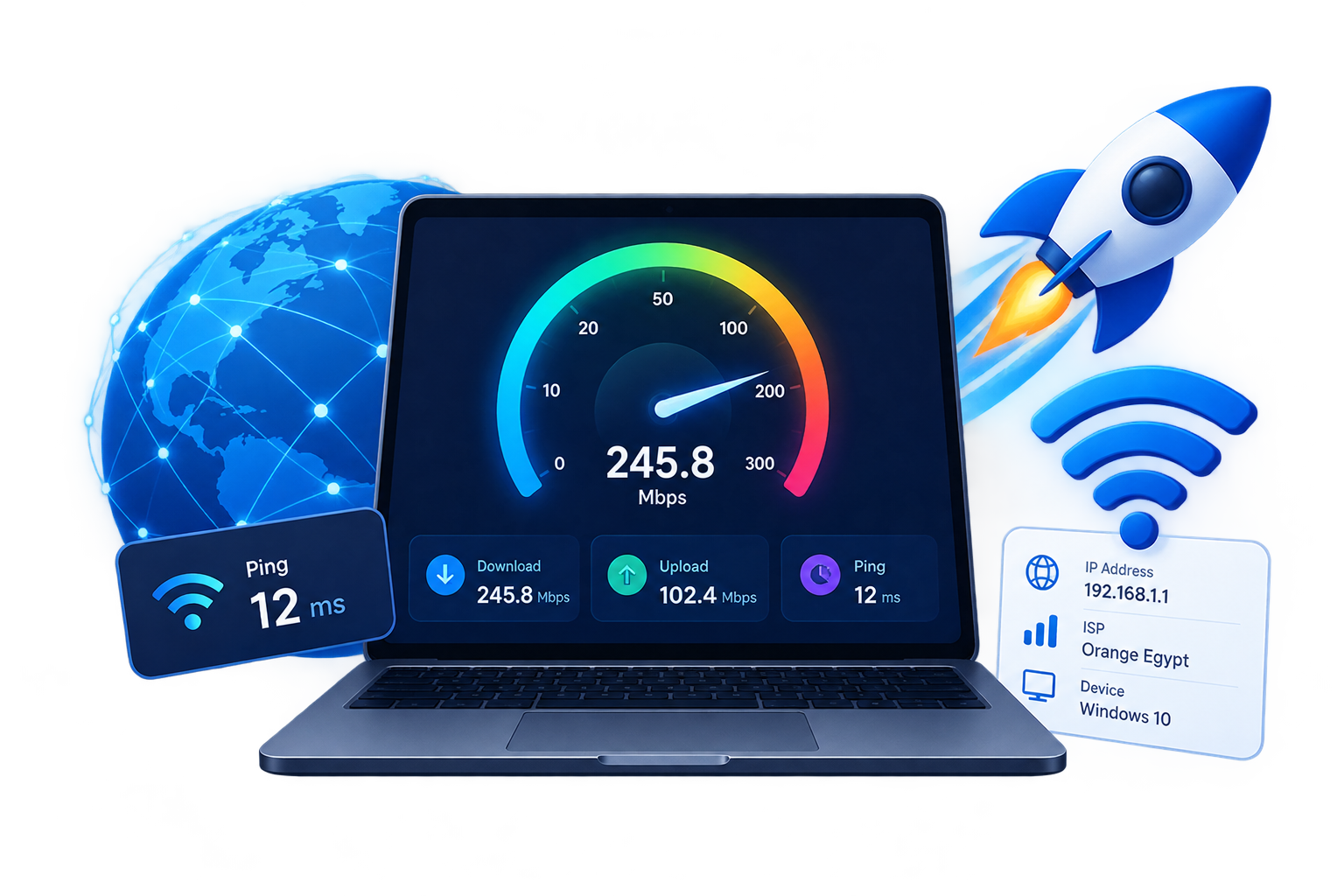
With the EgyApps Internet Speed Test, you can quickly check important details about your connection directly from your browser. The test can help you understand your download speed, upload speed, and ping without requiring you to install additional software.
Running a speed test can also be useful when you notice that websites are loading slowly, videos are buffering, downloads are taking longer than expected, or online games are experiencing high latency.
What Is an Internet Speed Test?
An internet speed test measures the performance of your internet connection by transferring data between your device and a testing server. The results can give you a better idea of how your connection is performing at a particular moment.
The three most common measurements are download speed, upload speed, and ping.
Download speed describes how quickly data can be received by your device from the internet. It is particularly important when streaming videos, downloading applications, browsing websites, receiving large files, or using online services.
Upload speed measures how quickly data can be sent from your device to the internet. Upload performance can be important when uploading photos and videos, sending large files, backing up data to cloud services, working remotely, or participating in video calls.
Ping measures the response time between your device and the testing server. It is normally displayed in milliseconds, or ms. A lower ping generally means that communication with the server takes less time.
Understanding Download Speed
Download speed is usually the first result people look at after running an internet speed test. It is commonly measured in Mbps, which means megabits per second.
A higher download speed generally allows data to reach your device more quickly. This can make a noticeable difference when downloading large files, watching high-quality videos, installing games, or opening websites containing many images and other media.
However, the speed you need depends on your personal usage. Someone who mainly checks email and browses simple websites may not need the same connection speed as a household where several people stream videos, play games, attend online meetings, and download large files at the same time.
It is therefore useful to compare your speed test results with your internet plan and with the way you actually use your connection.
Understanding Upload Speed
Upload speed is sometimes overlooked, but it is an important part of your internet connection.
Whenever you send information from your device to the internet, you are using upload bandwidth. This includes uploading videos, sending large attachments, synchronizing files with cloud storage, publishing content, backing up photos, and using video conferencing applications.
For example, someone who works with large files or regularly creates video content may notice the difference between a slow and fast upload connection much more than someone who mainly consumes online content.
A speed test can help you determine whether your upload performance is consistent with the service you are paying for.
What Does Ping Mean?
Ping represents the time required for a small amount of data to travel between your device and the testing server and receive a response.
Unlike download and upload speeds, ping is normally better when the number is lower.
Low latency can be particularly useful for online multiplayer games, video calls, remote desktop applications, and other services where quick responses are important.
Your ping can vary depending on the location of the testing server, the distance between your device and the server, network congestion, your internet provider, Wi-Fi conditions, and the route taken by your connection.
Because of these factors, the ping measured by EgyApps may not be identical to the latency you experience when connecting to a particular game server or website.
Why Does Internet Speed Change?
Internet speed can change throughout the day for many different reasons.
Wi-Fi is one common factor. The distance between your device and router, walls, interference, and other wireless networks can affect the connection between your device and the router.
The number of connected devices can also affect available bandwidth. Smartphones, computers, smart TVs, gaming consoles, cameras, and other devices may use the same internet connection simultaneously.
Network congestion can also influence performance. During busy periods, more users may be using the same network infrastructure, which can sometimes result in slower speeds or increased latency.
Your device can also affect the results. Background downloads, automatic updates, cloud synchronization, VPN services, and other applications may consume bandwidth while the test is running.
How to Get Better Speed Test Results
For a more accurate measurement, close applications that are using the internet before starting the test. Pause large downloads, video streams, cloud backups, and software updates whenever possible.
If you normally use Wi-Fi, you can run the test from the same location where you usually use your device. You can also compare the result with a test performed using an Ethernet cable.
Running the test more than once can provide a better understanding of your connection. Internet performance naturally changes, so one measurement does not always represent your typical speed.
You can also test your connection at different times during the day. Comparing results from morning, afternoon, evening, and late night may help you identify patterns in your connection performance.
Mbps vs MB/s
Internet providers generally advertise connection speeds using Mbps, while some applications display file transfer speeds using MB/s.
These measurements are different because one byte contains eight bits. Therefore, a connection advertised at 100 Mbps does not normally mean that files will download at 100 MB/s.
Understanding this difference can prevent confusion when comparing your internet plan with download speeds shown by your browser or other applications.
When Should You Run an Internet Speed Test?
There are several situations where checking your internet speed can be useful.
You may want to run a test if websites suddenly become slower, videos frequently buffer, downloads take longer than usual, online games experience increased latency, or video calls become unstable.
Testing can also be useful after installing a new router, changing your internet plan, upgrading your Wi-Fi network, or moving your router to another location.
If your results repeatedly show significantly lower speeds than the service included in your internet plan, you can use those measurements as additional information when contacting your internet service provider.
Check Your Internet Speed with EgyApps
The EgyApps Internet Speed Test gives you a simple way to check your connection directly from your web browser. You can use the test to measure your download speed, upload speed, and ping without installing a separate application.
For the most useful results, make sure unnecessary downloads and streaming activities are stopped before starting the test. If possible, perform several tests at different times and compare the results.
Understanding your internet speed can help you identify changes in your connection and determine whether your current network performance matches your everyday needs.
Whether you use the internet for work, education, entertainment, gaming, or everyday browsing, a quick speed test can give you useful information about how your connection is performing.